Describe contracts, compliance reports, lab results, financial statements, credentials — once. Render to PDF or DOCX, identically.
Your letterhead is a DocPayload document. Your standard footer is one. Your legal boilerplate, your branded signature block, your classification disclaimer — all DocPayload documents. Reference them from your templates. Compose at any granularity.
There's no separate component system to learn. The same source language describes whole documents and the building blocks that go into them.
Reference them from your templates. Compose at any granularity. When the legal team updates the standard arbitration clause, every document that references it picks up the change on next render.
A letterhead. A clause. A whole appendix. A multi-page section. Reference whatever level makes sense for your team. DocPayload doesn't impose a hierarchy.
If you know how to write a DocPayload document, you know how to compose them. The optional component wrapper signals "this is a building block." The engine treats it identically to any document.
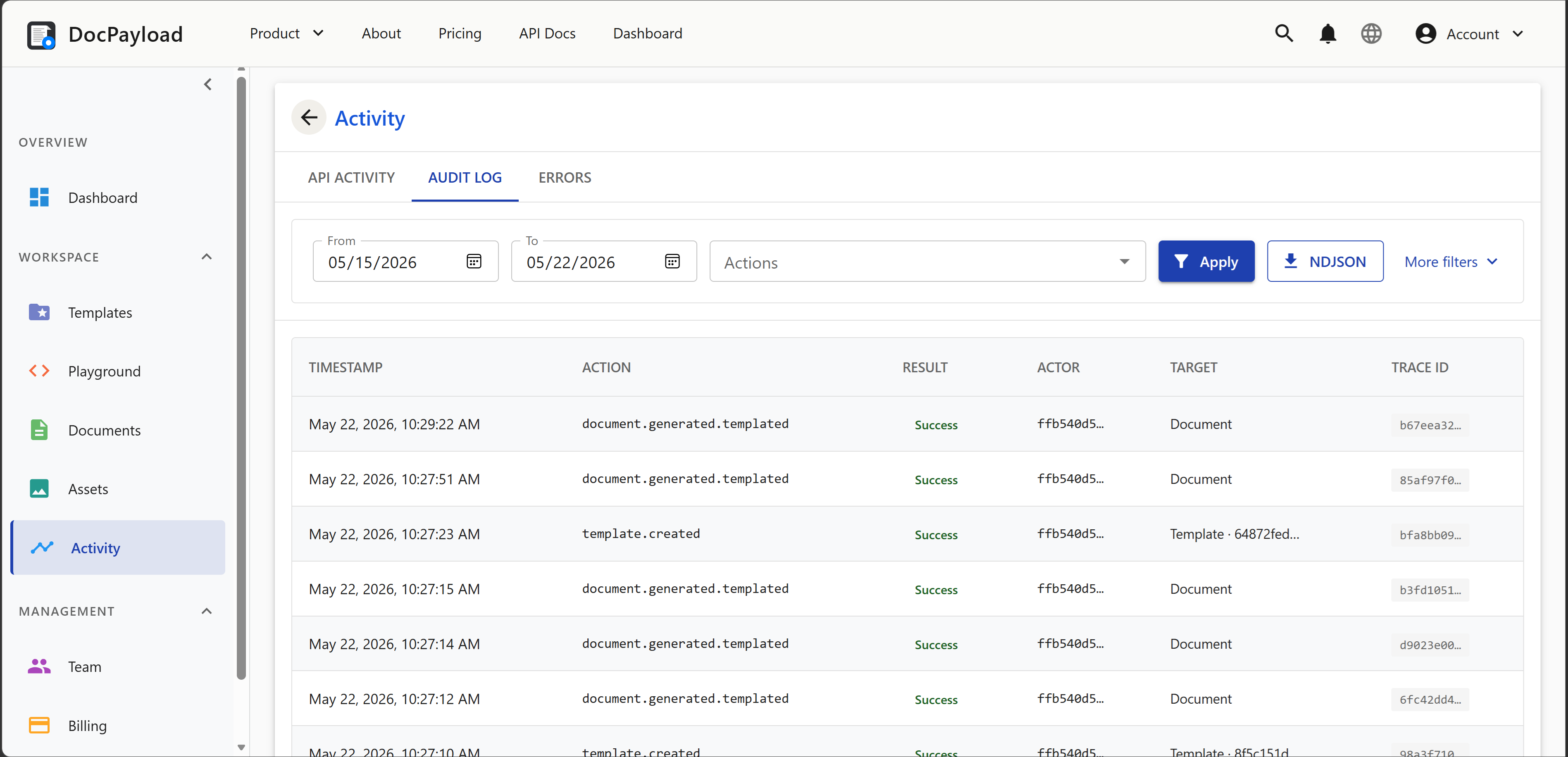
When Legal updates the arbitration clause, every template that references it picks up the change on next render. No copy-paste drift. The audit trail records which versions composed each rendered document.
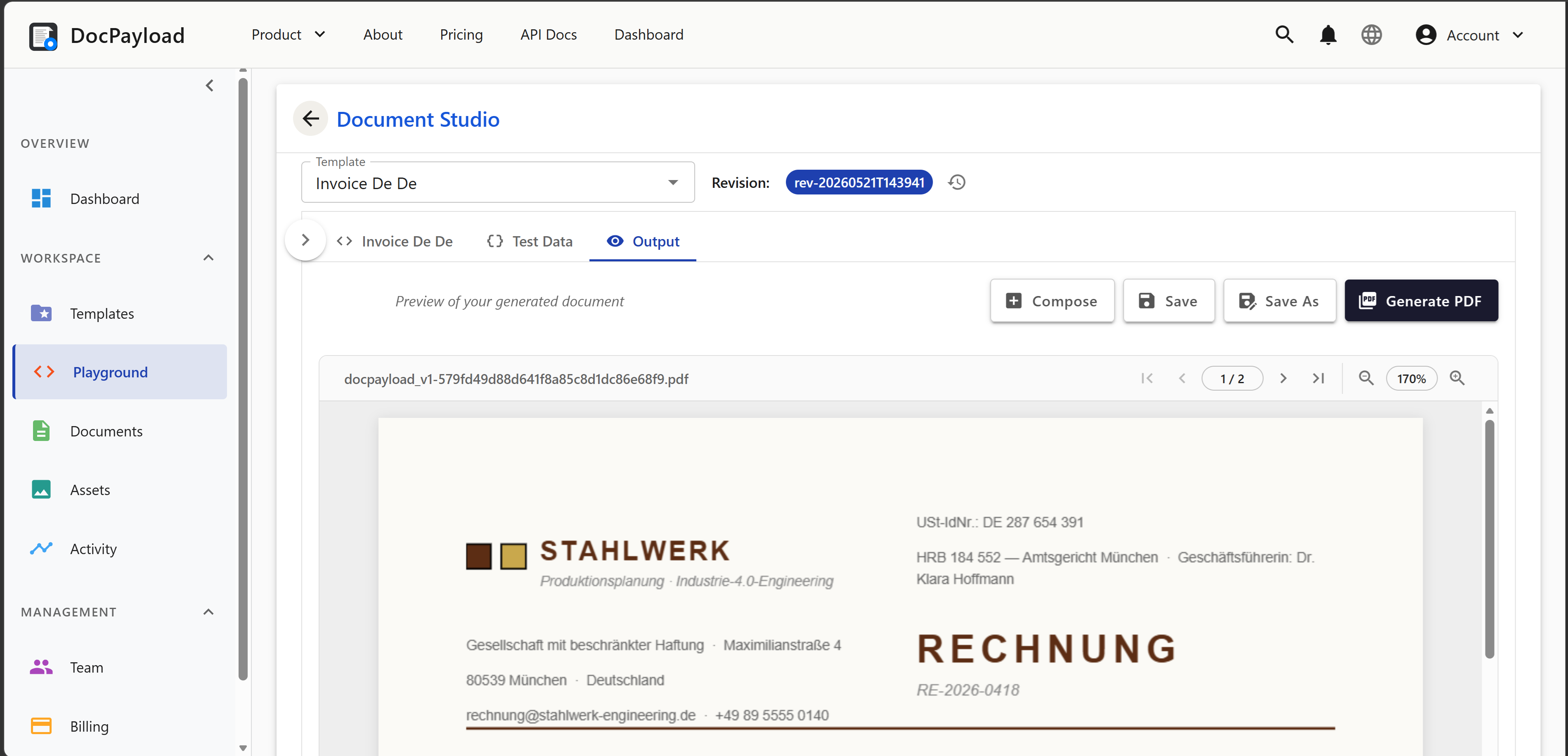
Each artifact below is rendered from a single DocPayload source file. Switch format, inspect the source, or open it in the playground to modify and re-render.
We've shipped document pipelines on every major PDF library, headless browser, and document-services API. We built DocPayload because regulated workflows kept asking for things they weren't designed to give. Here's what we built to make documents reliably hold together.
Barcodes, fillable forms, encryption, signatures, watermarks, headers and footers, table of contents — every advanced capability is a declarative shape in the source file. Nothing requires dropping into code, learning a DSL, or editing a binary template you can't read.
See it on the barcode catalogPDF is fixed-coordinate. DOCX is flow-based. We render through a single intermediate with format-specific knowledge of each downstream renderer's quirks. The same JSON file produces a PDF and a DOCX that look the same — no port, no drift, no Word-version surprises.
See it on the consulting invoiceThe IR has a published JSON Schema. Your editor reads it directly for autocompletion and inline validation; the runtime validates every document before it renders. Malformed structure, undefined styles, unbound data, and format-incompatible primitives are caught at build time, not in production.
See it on the compliance reportAES-256 encryption with granular per-action permissions, PAdES cryptographic signatures with certification levels and field locking, diagnostics rendered into the document itself. The regulated-workflow surface is first-class — no third-party signing service in the pipeline.
See it on the stock certificateAny document definition composes into another. Refs are depth-limited, tenant-isolated, with explicit merge semantics. Build a header once, reuse it across every document; build a templated invoice body, drop it into multi-section reports. In production, in customer hands today.
See it on the employee handbookDocPayload supports the integration patterns regulated teams actually use in production: from inline one-offs to high-volume webhook pipelines. Same API. Same source language.
DocPayload's published JSON Schema is the only client-side dependency. Your editor reads it directly for autocompletion, validation, and inline documentation. Construct documents in the language your team already works in. POST them to the API. The artifact is the source — not the code that generated it.
No language-specific binding to version-pin. No templating engine to learn. No HTML scaffolding. The whole point of declarative documents is to free your team from those choices. Write JSON, get a document.
# render template with data binding, sync response curl https://api.docpayload.com/v1/render \ -H "Authorization: Bearer $KEY" \ -H "Accept: application/pdf" \ -d '{ "template": "lease_agreement_v4", "data": { ... } }' \ -o lease.pdf # or post a full document inline (templateless) curl https://api.docpayload.com/v1/render \ -H "Accept: application/docx" \ -d @full_document.json \ -o output.docx
DocPayload serves clinical labs, payroll processors, banks, law firms, and government agencies. The compliance posture reflects who we serve.
One price covers all output formats. Renders are not double-counted when you produce both PDF and DOCX from the same source.
We're the engineers who shipped document pipelines on every major PDF library, headless browser, containerized office suite, and document-services API. We have a lot of respect for what those tools do. We also know where they stop — because we shipped past their edges.
The first generation of document tools gave engineers total control but required engineering expertise per template, producing fragile imperative pipelines that broke every time a font was missing or a page broke unexpectedly.
The second generation — AI document tools — gave users ease but produced documents you can't audit, version, or trust under regulatory pressure. DocPayload exists because regulated teams need all of it: the rigor of a declarative, schema-validated, deterministic engine; the optional convenience of natural-language authoring on top; and a composition model where any document can reference any other, so teams collaborate on shared building blocks without copy-pasting drift across templates.
Four canvas style keys renamed to match SVG presentation attributes: lineDash → strokeDasharray, lineDashPhase → strokeDashoffset, lineCapStyle → strokeLinecap, lineJoinStyle → strokeLinejoin. Authors fluent in SVG now author canvas styles by ear.
textAlign, borderCollapse, verticalAlign, and horizontalAlign values are now consistently lowercase across fixtures and docs. Engine parsers were already case-insensitive — existing payloads continue to render identically. Vocabulary cleanup, not a behavior change.
{ "toc": {} } auto-generates a TOC from document headings. Clickable links with dotted leaders, right-aligned page numbers, and nested PDF outline bookmarks. Place anywhere in the content flow.
Register TrueType/OpenType font families via the fonts document property. Full 4-variant support (regular, bold, italic, boldItalic) with automatic fallback. Inline [b]/[i] tags resolve to the correct custom font variants. Embedded in the PDF with full Unicode coverage.